<!DOCTYPE html>
<html>
<head>


<title>Activity 1</title>

</head>
<body>


<!-- Printing my name to the screen -->

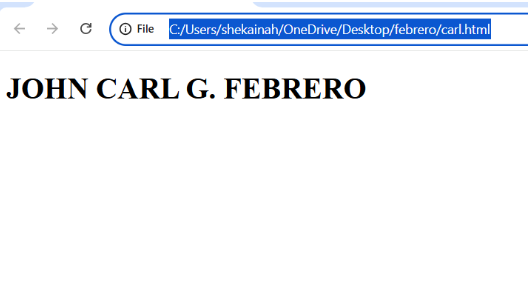
<h1> JOHN CARL G. FEBRERO </h1>


</body>
</html>
<!DOCTYPE html>

<html>

<title>This is a webpage</title><!--This is the title of my webpage->

<body>

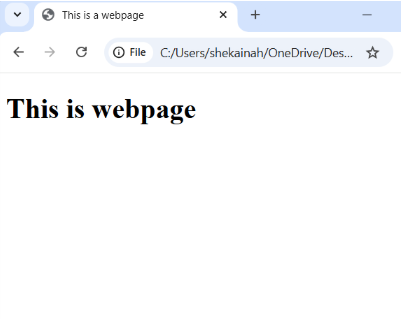
<h1>This is webpage</h1>

</body>

</html>
OUTPUT
ACT#4
<!DOCTYPE html>
<html>

<title>February 2, 2026</title><!--This is the title of my webpages

<body>

<!--This is the command-->
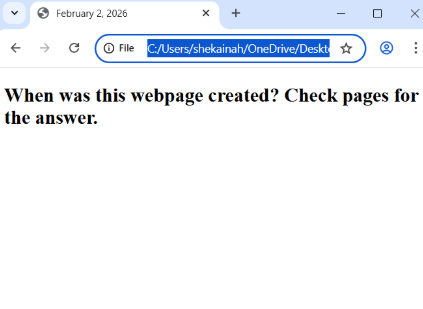
<h2>When was this webpage created? Check pages for the answer.</h2>

</body>
</html>
OUTPUT
ACT#1.5
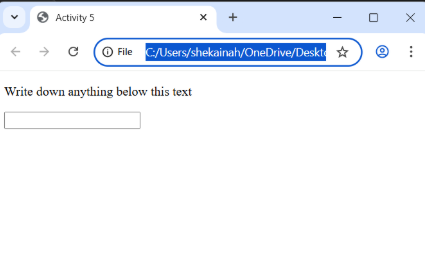
<!DOCTYPE html>

<html>

<title>Activity 5</title><!--This is the title of my webpage->

<body>

<!--This is the command-->

<p>write down anything below this text</p>

<input type="text"></input>

</body>

</html>
OUTPUT
ACT#1.6
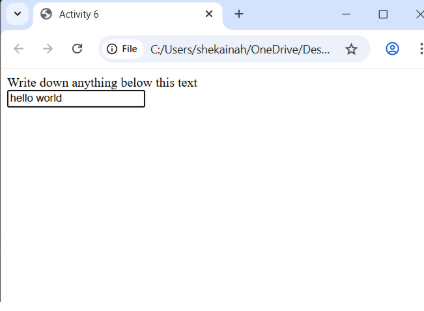
<!DOCTYPE html>

<html>

<title>Activity 6</title><!--This is the title of my webpage-->

<1--This is the head of my webpage-->

<head>write down anything below this text</head>

<body>

<br>

<input type="text"></input>

</body>

</html>
OUTPUT
ACT#2.1
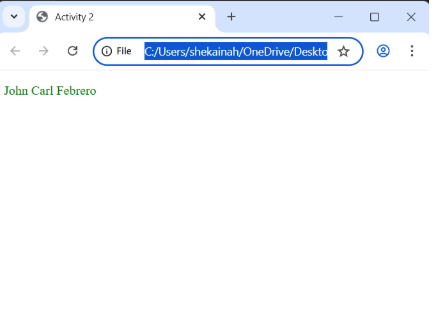
<!DOCTYPE html>

<html>

<head>

<title>Activity 2</title>

<link rel="stylesheet" href="style.css">

</head>

<body>

<!-- Printing name in green-->

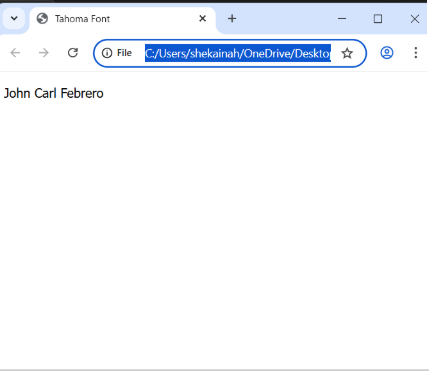
<p style="color:green;">John Carl Febrero</p>

</body>

</html>
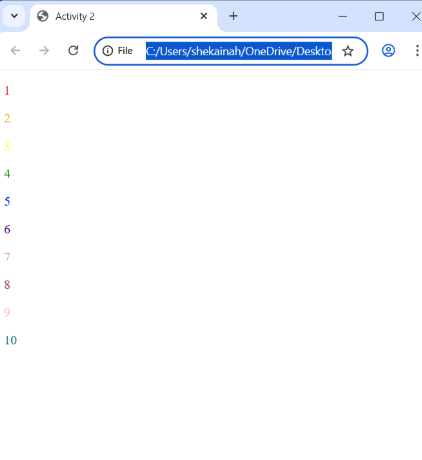
<!DOCTYPE html>
<html>
<head>

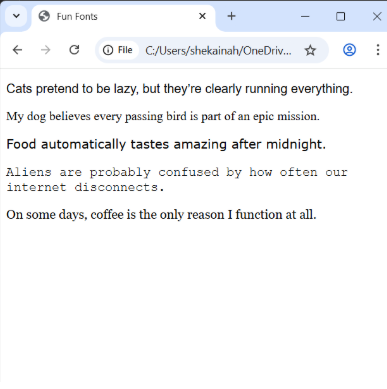
<title>Fun Fonts</title>

<style>
.font1 { font-family: Arial, sans-serif; }

.font2 { font-family: "Times New Roman", serif; }

.font3 { font-family: Verdana, sans-serif; }

.font4 { font-family: "Courier New", monospace; }

.font5 { font-family: Georgia, serif; }
</style>

</head>

<body>

<p><span class="font1">
Cats pretend to be lazy, but they're clearly running everything.
</span></p>

<p><span class="font2">
My dog believes every passing bird is part of an epic mission.
</span></p>

<p><span class="font3">
Food automatically tastes amazing after midnight.
</span></p>

<p><span class="font4">
Aliens are probably confused by how often our internet disconnects.
</span></p>

<p><span class="font5">
On some days, coffee is the only reason I function at all.
</span></p>

</body>
</html>
OUTPUT
ACT#2.5
<!DOCTYPE html>
<html>

<head>
<title>Book Description</title>
</head>

<body>

<p>
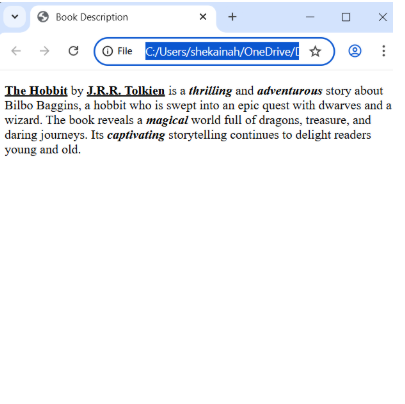
<u><strong>The Hobbit</strong></u> by
<u><strong>J.R.R. Tolkien</strong></u> is a
<b><i>thrilling</i></b> and
<b><i>adventurous</i></b> story about Bilbo Baggins, a hobbit who is swept into an
epic quest with dwarves and a wizard.

The book reveals a
<b><i>magical</i></b> world full of dragons, treasure, and daring journeys. Its
<b><i>captivating</i></b> storytelling continues to delight readers young and old.
</p>

</body>

</html>
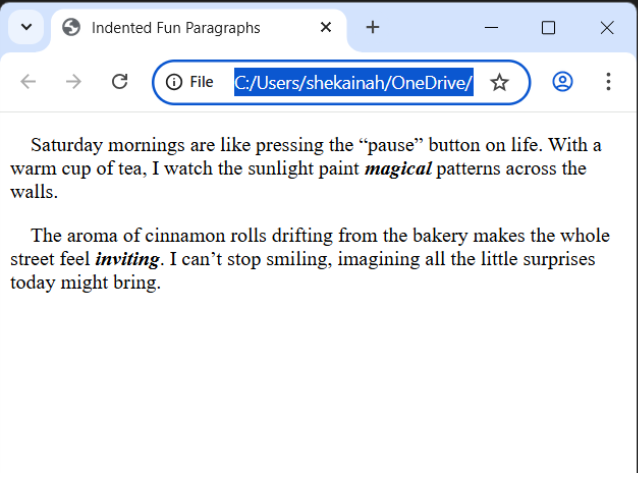
<!DOCTYPE html>
<html>
<head>
<title>Indented Fun Paragraphs</title>
</head>
<body>
<p>
Saturday mornings are like pressing the "pause" button on life.
With a warm cup of tea, I watch the sunlight paint <b><i>magical</i></b> patterns across the walls.
</p>
<p>
The aroma of cinnamon rolls drifting from the bakery makes the whole street feel <b><i>inviting.</i></b>
I can't stop smiling, imagining all the little surprises today might bring.
</p>
</body>
</html>
<!DOCTYPE html>
<html>
<head>
    <title>College Life</title>
</head>
<body>

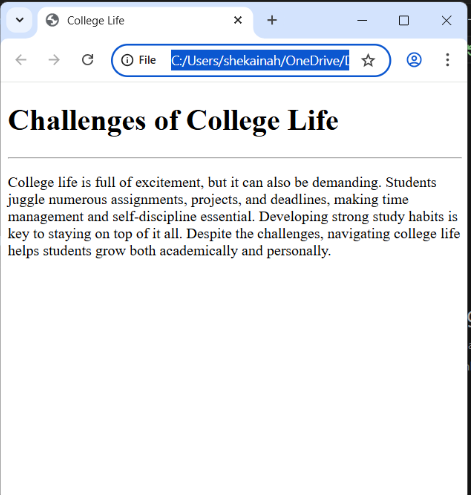
    <h1>Challenges of College Life</h1>
    <hr style="width: 100%;">

    <p>College life is full of excitement, but it can also be demanding. Students juggle numerous assignments, projects, and deadlines, making time management and self-discipline essential. Developing strong study habits is key to staying on top of it all. Despite the challenges, navigating college life helps students grow both academically and personally.</p>

</body>
</html>
OUTPUT
ACT#3.6
<!DOCTYPE html>
<html>
<body>
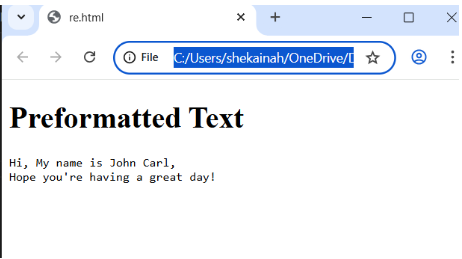
    <h1>Preformatted Text </h1>
    <pre>
Hi, My name is John Carl,
Hope you're having a great day!
    </pre>
</body>
</html>
OUTPUT
ACT#3.7
<!DOCTYPE html>
<html>
<head>
    <title>Preformatted Text Example</title>
</head>
<body>

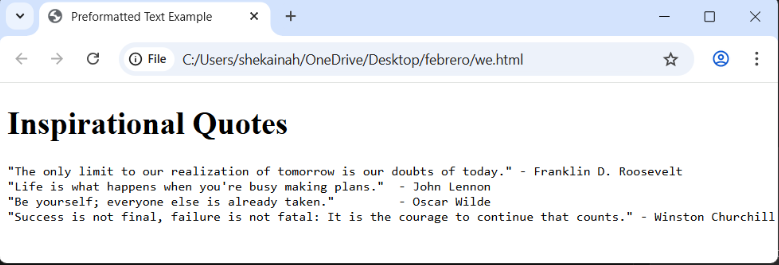
    <h1>Inspirational Quotes</h1>
<pre>
"The only limit to our realization of tomorrow is our doubts of today." - Franklin D. Roosevelt
"Life is what happens when you're busy making plans."   - John Lennon
"Be yourself; everyone else is already taken."          - Oscar Wilde
"Success is not final, failure is not fatal: It is the courage to continue that counts." - Winston Churchill
</pre>

</body>
</html>
OUTPUT
ACT#3.8
<!DOCTYPE html>
<html>
<body>
    <p>
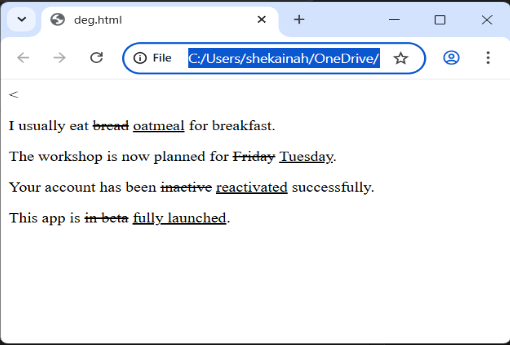
    I usually eat <del>bread</del> <ins>oatmeal</ins>
    for breakfast.
    </p>
    <p>
    The workshop is now planned for
    <del>Friday</del>
    <ins>Tuesday</ins>.
    </p>
    <p>
    Your account has been
    <del>inactive</del>
    <ins>reactivated</ins> successfully.
    </p>
    <p>
    This app is
    <del>in beta</del>
    <ins>fully launched</ins>.
    </p>
</body>
</html>
OUTPUT
ACT#3.9
<!DOCTYPE html>
<html>
<body>
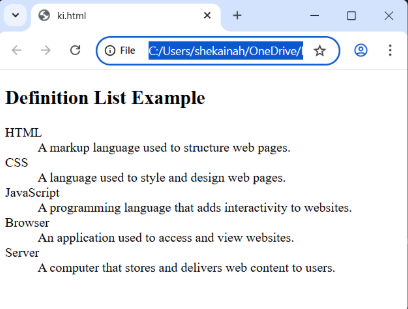
<h2>Definition List Example</h2>
<dl>
    <dt>HTML</dt>
    <dd>A markup language used to structure web pages.</dd>
    <dt>CSS</dt>
    <dd>A language used to style and design web pages.</dd>
    <dt>JavaScript</dt>
    <dd>A programming language that adds interactivity to websites.</dd>
    <dt>Browser</dt>
    <dd>An application used to access and view websites.</dd>
    <dt>Server</dt>
    <dd>A computer that stores and delivers web content to users.</dd>
</dl>
</body>
</html>
OUTPUT
ACT#3.10
<!DOCTYPE html>
<html>
<body>
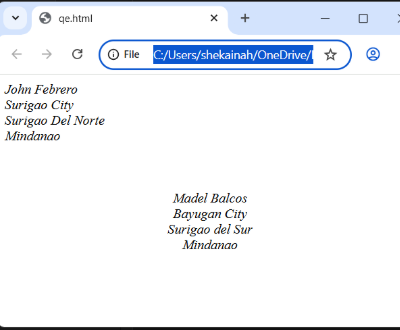
<address>
John Febrero <br>
Surigao City <br>
Surigao Del Norte <br>
Mindanao
</address>

<br><br><br>

<div style="text-align: center;">
    <address>
        Madel Balcos <br>
        Bayugan City <br>
        Surigao del Sur <br>
        Mindanao
    </address>
</div>
</body>
</html>
OUTPUT
ACT#3.11
<!DOCTYPE html>
<html>
<body>
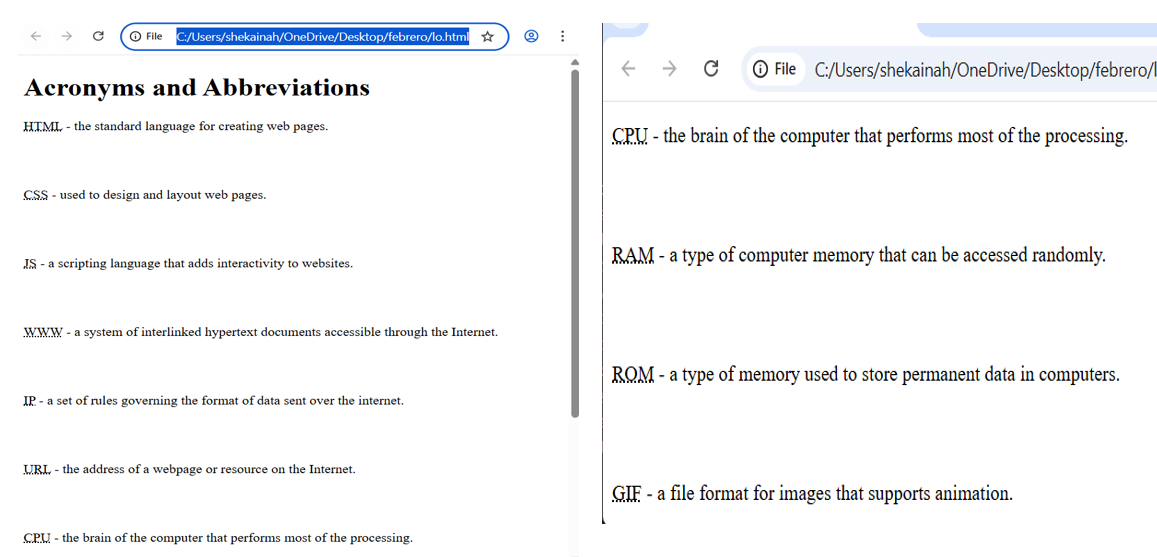
<h1>Acronyms and Abbreviations</h1>
<p><abbr title="HyperText Markup Language">HTML</abbr> - the standard language for creating web pages.</p><br><br>
<p><abbr title="Cascading Style Sheets">CSS</abbr> - used to design and layout web pages.</p><br><br>
<p><abbr title="JavaScript">JS</abbr> - a scripting language that adds interactivity to websites.</p><br><br>
<p><abbr title="World Wide Web">WWW</abbr> - a system of interlinked hypertext documents accessible through the Internet.</p><br><br>
<p><abbr title="Internet Protocol">IP</abbr> - a set of rules governing the format of data sent over the internet.</p><br><br>
<p><abbr title="Uniform Resource Locator">URL</abbr> - the address of a webpage or resource on the Internet.</p><br><br>
<p><abbr title="Central Processing Unit">CPU</abbr> - the brain of the computer that performs most of the processing.</p><br><br>
<p><abbr title="Random Access Memory">RAM</abbr> - a type of computer memory that can be accessed randomly.</p><br><br>
<p><abbr title="Read Only Memory">ROM</abbr> - a type of memory used to store permanent data in computers.</p><br><br>
<p><abbr title="Graphics Interchange Format">GIF</abbr> - a file format for images that supports animation.</p>
</body>
</html>
<!DOCTYPE html>
<html>
<head>
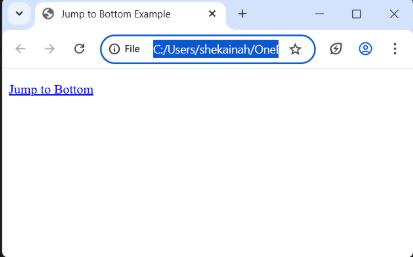
    <title>Jump to Bottom Example</title>
</head>
<body>

    <p><a href="#bottom">Jump to Bottom</a></p>

</body>
</html>
OUTPUT
ACT#4.4
<!DOCTYPE html>
<html>
<head>
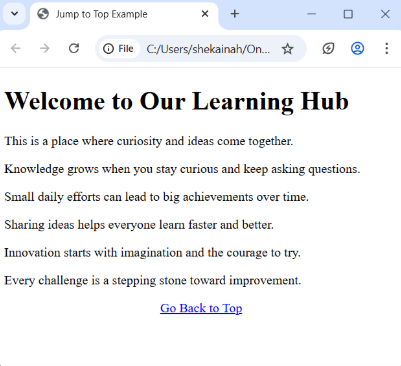
    <title>Jump to Top Example</title>
</head>
<body>

    <h1 id="top">Welcome to Our Learning Hub</h1>
    <p>This is a place where curiosity and ideas come together.</p>

    <p>Knowledge grows when you stay curious and keep asking questions.</p>
    <p>Small daily efforts can lead to big achievements over time.</p>
    <p>Sharing ideas helps everyone learn faster and better.</p>
    <p>Innovation starts with imagination and the courage to try.</p>
    <p>Every challenge is a stepping stone toward improvement.</p>

    <p style="text-align: center;">
        <a href="#top">Go Back to Top</a>
    </p>

</body>
</html>
OUTPUT
ACT#4.5
<!DOCTYPE html>
<html>
<head>
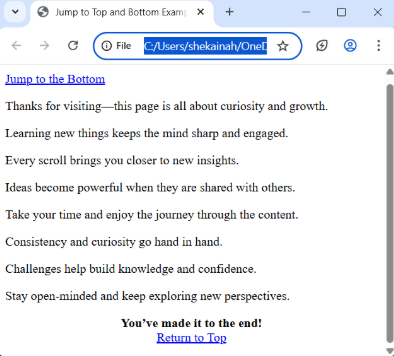
    <title>Jump to Top and Bottom Example</title>
</head>
<body>
    <p><a href="#bottom">Jump to the Bottom</a></p>

    <p>Thanks for visiting—this page is all about curiosity and growth.</p>
    <p>Learning new things keeps the mind sharp and engaged.</p>
    <p>Every scroll brings you closer to new insights.</p>
    <p>Ideas become powerful when they are shared with others.</p>
    <p>Take your time and enjoy the journey through the content.</p>
    <p>Consistency and curiosity go hand in hand.</p>
    <p>Challenges help build knowledge and confidence.</p>
    <p>Stay open-minded and keep exploring new perspectives.</p>

    <p id="bottom" style="text-align: center;">
        <strong>You’ve made it to the end!</strong><br>
        <a href="#top">Return to Top</a>
    </p>

    <p id="top"></p>
</body>
</html>
<!DOCTYPE html>
<html>
<head>
</head>
<body>

    <h2>Click the Image to Open a Search Engine</h2>

    <a href="https://www.google.com" target="_blank">
        <img
            src="https://www.google.com/images/branding/googlelogo/2x/googlelogo_color_272x92dp.png"
            alt="Google Search"
            title="Click to open Google Search"
        >
    </a>

</body>
</html>
OUTPUT
ACT#5.4
<!DOCTYPE html>
<html>
<head>
</head>
<body>
    <h2>Click the Image to Open a Search Engine</h2>
    <a href="https://www.google.com" target="_blank">
        <img src="https://www.google.com/images/branding/googlelogo/2x/googlelogo_color_272x92dp.png" alt="Google Search" title="Click to open Google Search">
    </a>
</body>
</html>

<!DOCTYPE html>
<html>
<head>
    <meta charset="utf-8">
    <title>Image Linking to Itself</title>
</head>
<body>
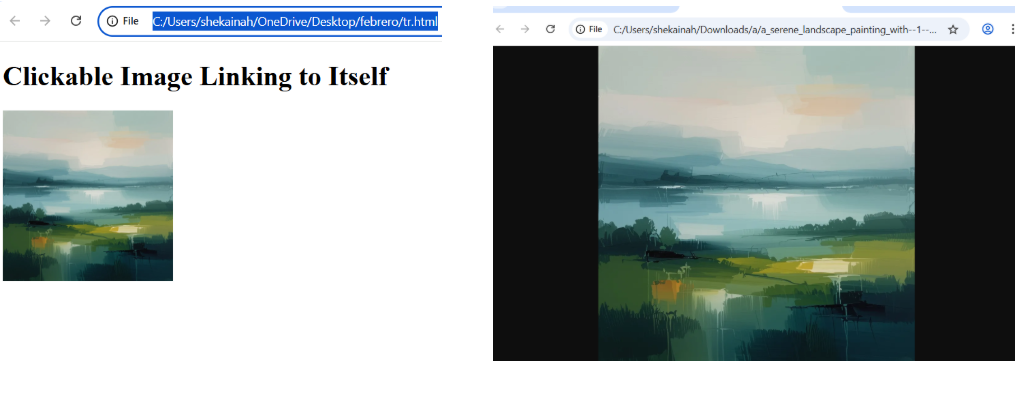
    <h1>Clickable Image Linking to Itself</h1>
    <a href="C:\Users\shekainah\Downloads\a\a serene landscape painting with-1-uzsnz.webp" target="_blank">
        <img src="C:\Users\shekainah\Downloads\a\a serene landscape painting with-1-uzsnz.webp" width="200" alt="Self-linking Image">
    </a>
</body>
</html>